
PopSmart AI Upsell & Bundles is a Shopify app for merchants who want to put a useful offer beside the product a shopper is already considering. It brings bundles, frequently bought together offers, upsells, cross-sells, quantity breaks, BOGO deals, free gifts, and mix-and-match sets into one campaign workspace. The merchant chooses what belongs together and when the offer goes live.
Start with a reason to buy together
A bundle should make sense before it gets a discount. Coffee equipment that works as a set, a refill beside the original product, or a choice of colors in a multipack gives a merchant something concrete to offer. I built this app around those decisions. The campaign starts with the products and the offer, rather than a generic prompt asking everyone to buy more.
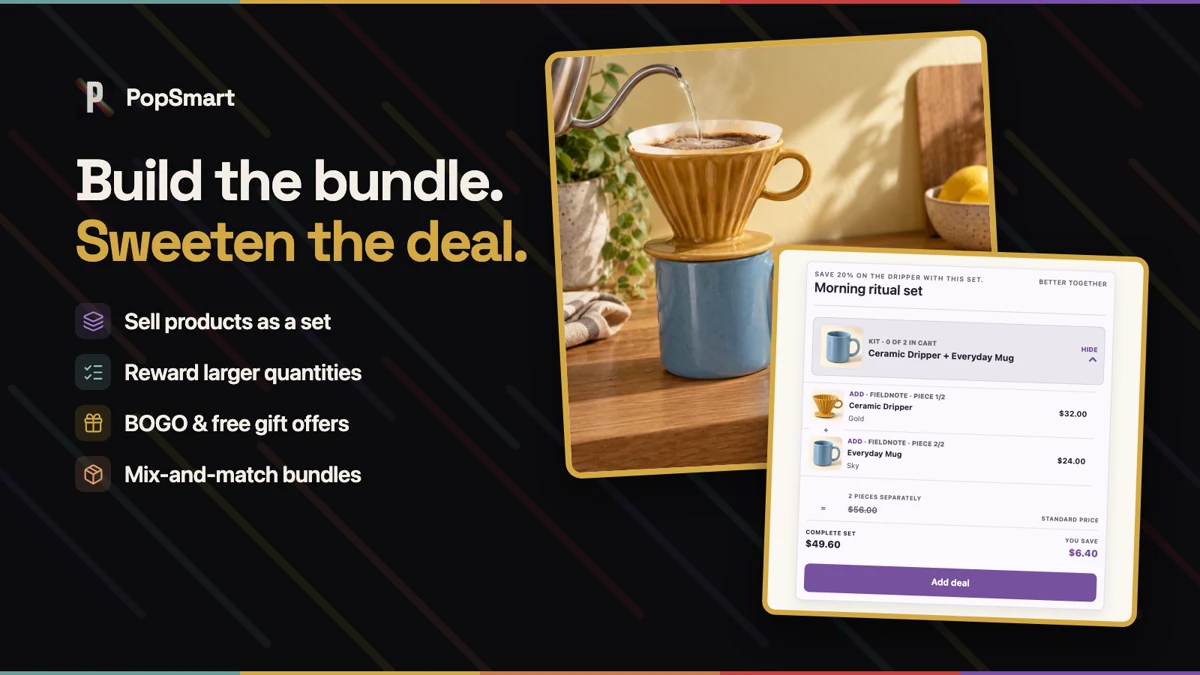
Build, preview, then activate
Install the app, enable its storefront embed, and sync the products you want to use. AI product suggestions help with selection; the merchant reviews them and sets the offer’s pricing and placement. Product-page and cart widgets are the starting point.
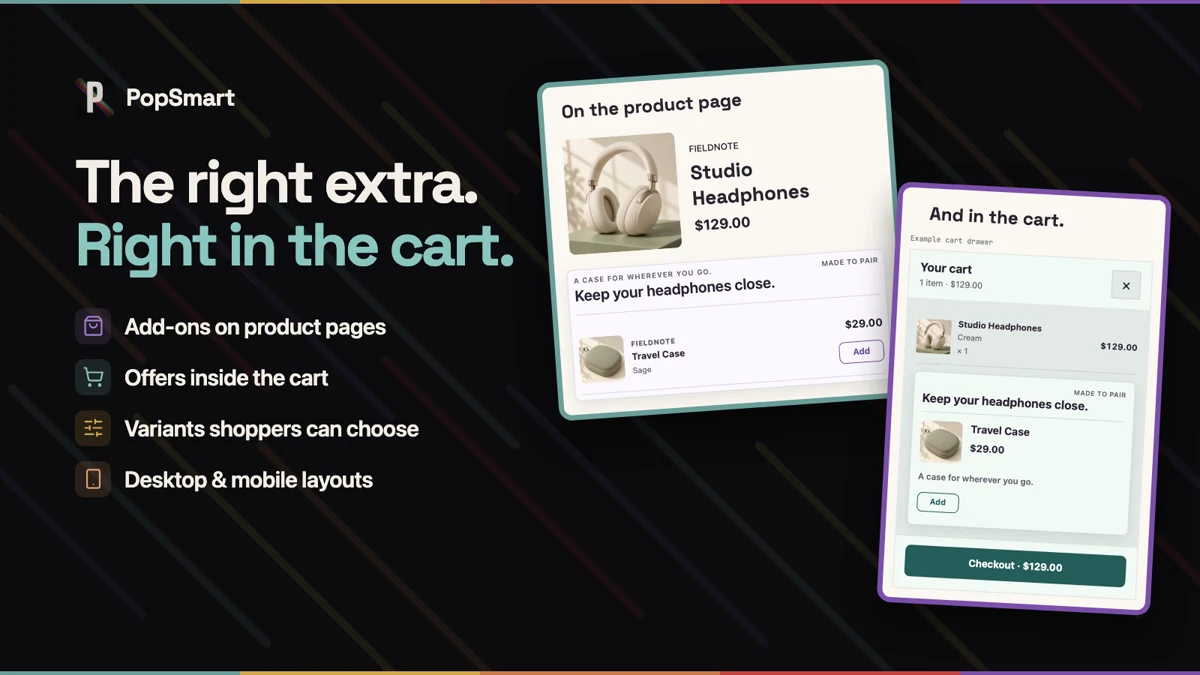
The preview matters. You can inspect the offer a shopper will see before activating it, including its styling and the products involved. That keeps setup connected to the actual storefront instead of ending at a saved campaign in an admin screen.
Make the offer feel like part of the store
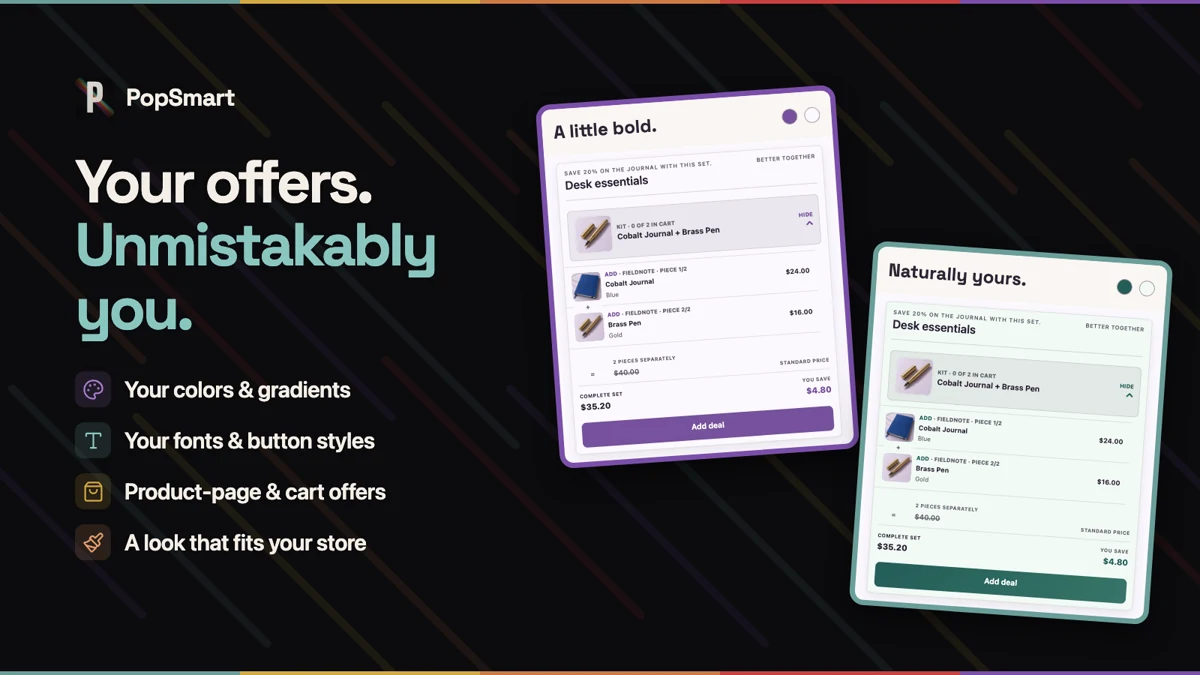
The same product set can sit inside very different storefronts. Choose a widget style, then adjust the colors, typography, layout, and button treatment before publishing. The offer should look like it belongs beside the product, rather than arriving from another site.
Test the message, then read the campaign
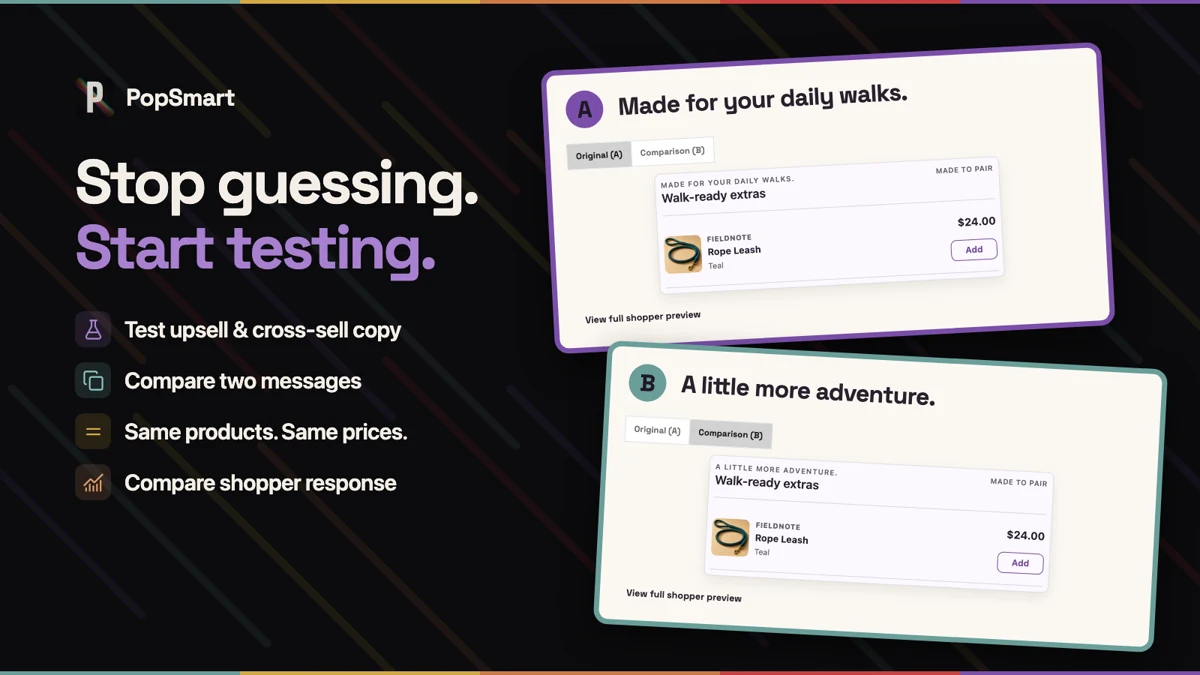
For eligible product-page upsell and cross-sell campaigns, copy tests compare two messages for the same offer. AI can help draft the alternatives; the merchant still decides what to say and which version to use.
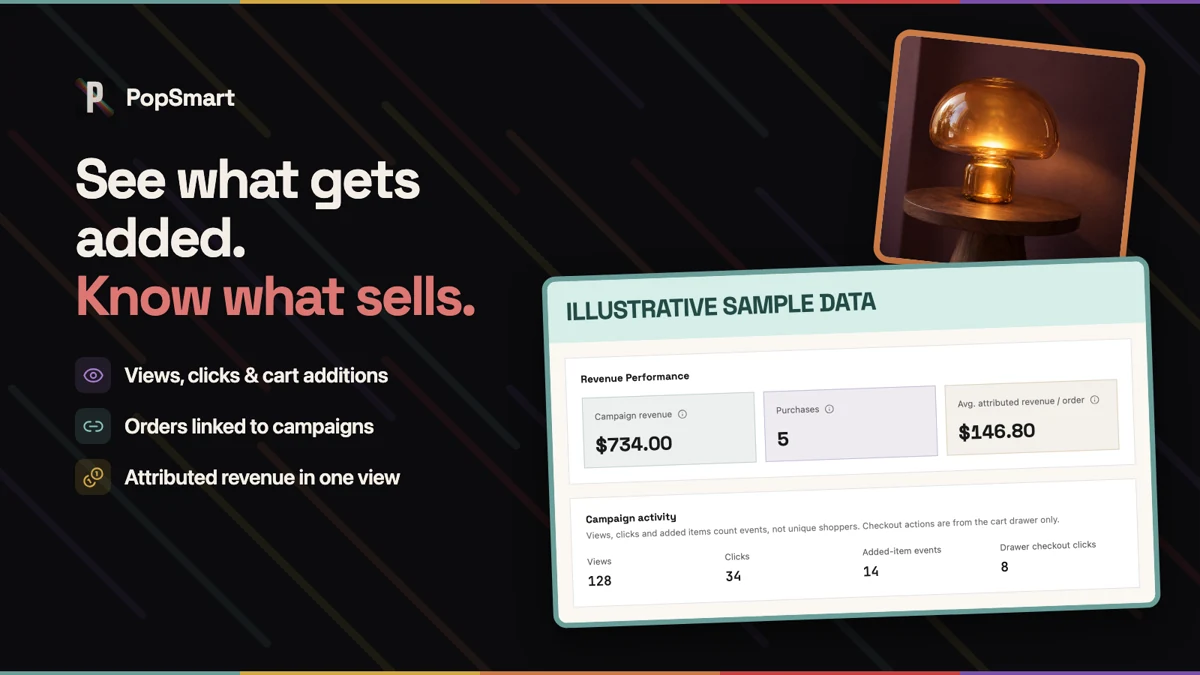
Once a campaign is running, its reporting brings impressions, clicks, add-to-cart actions, attributed orders, and attributed revenue into the campaign view. I want the next decision to come from how that particular offer is being used.
Product images: Shopify App Store listing.
Public and ready to try
The app is now public on the Shopify App Store, with a free plan available. The product page explains the current plans and supported placements.
My next check is whether a merchant can take one real product set through setup and keep using it after the first campaign. That is the work I want this launch to lead to.
Try the upsell and bundles demo, or install PopSmart AI Upsell & Bundles to build an offer for your own store.
The PopSmart family
Each PopSmart app is installed and billed separately. PopSmart AI Virtual Try On handles visual try-on and product imagery. PopSmart Size Chart Fit Finder handles size charts and fit recommendations. The family launch note explains why I kept those jobs distinct.