
PopSmart Size Chart Fit Finder is a Shopify app for apparel merchants who already have sizing information but need a better way to put it on the product page. It turns images, PDFs, spreadsheets, and pasted tables into editable size charts. Merchants can style those charts, assign them to products or collections, and offer shoppers a fit recommendation alongside the measurements.
Use the sizing information you have
A supplier’s size chart often arrives as a file rather than something ready for a storefront. Re-entering it is only part of the work: the table also needs readable labels, the right styling, and a clear home on the right products. I wanted those steps in one place, with the source measurements still available for the merchant to check.
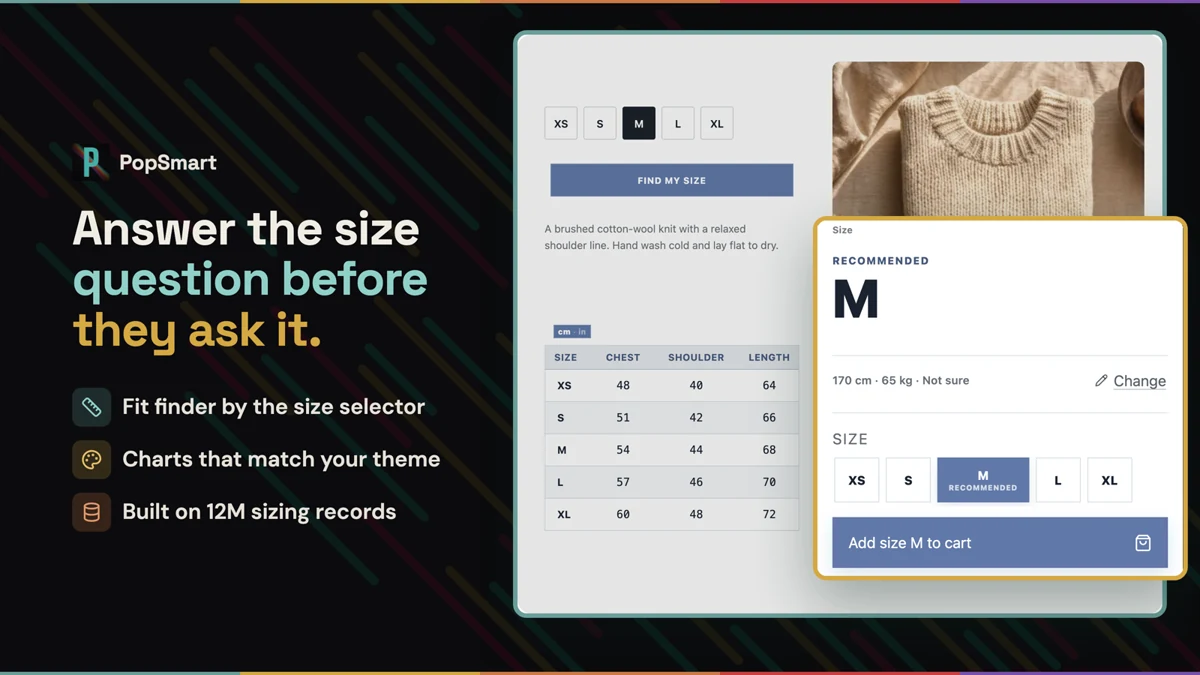
Import, edit, and assign
Start with a file or paste a table into the chart builder. Smart import creates an editable draft and flags uncertain cells for review. Correct the values, choose a preset, and adjust colors, fonts, and layout to suit the store.
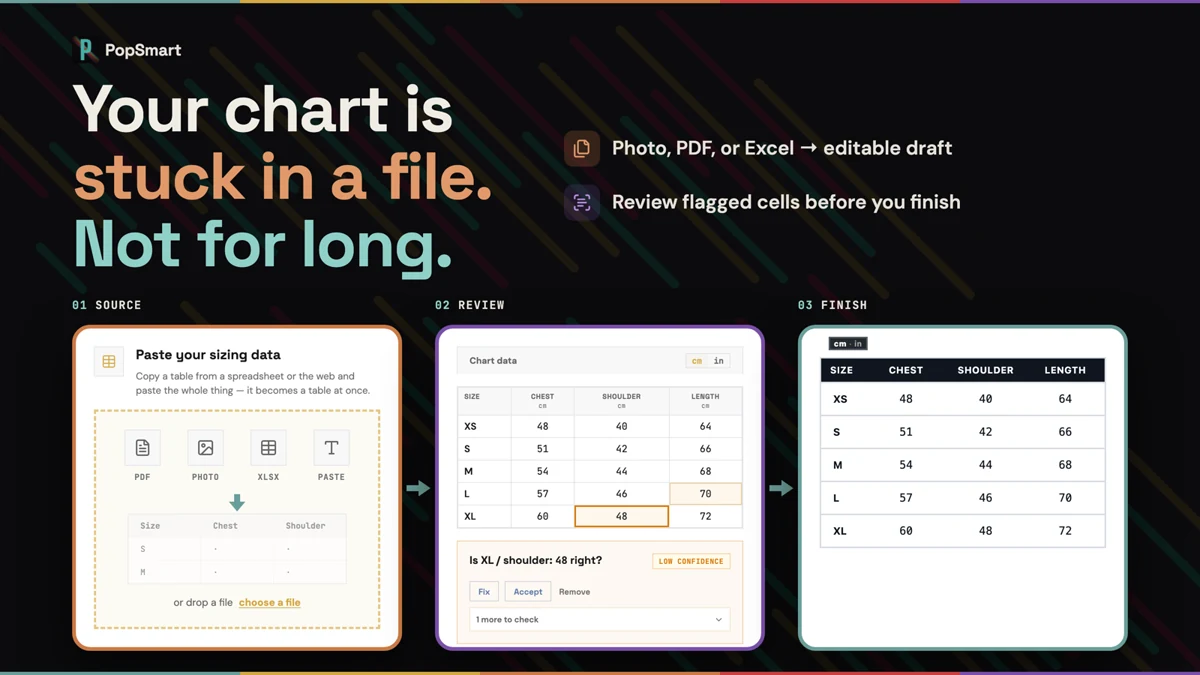
Match the chart to the store
Choose a presentation that fits the storefront, rather than uploading another static table image. Presets and color controls give the guide a consistent appearance while keeping the measurements editable.
Assignment connects the chart to the products or collections that need it, including future products that match the rules. The storefront app block displays the guide where shoppers make their size choice. Centimeter and inch conversion, international sizes, and multilingual presentation help make the same information easier to read.
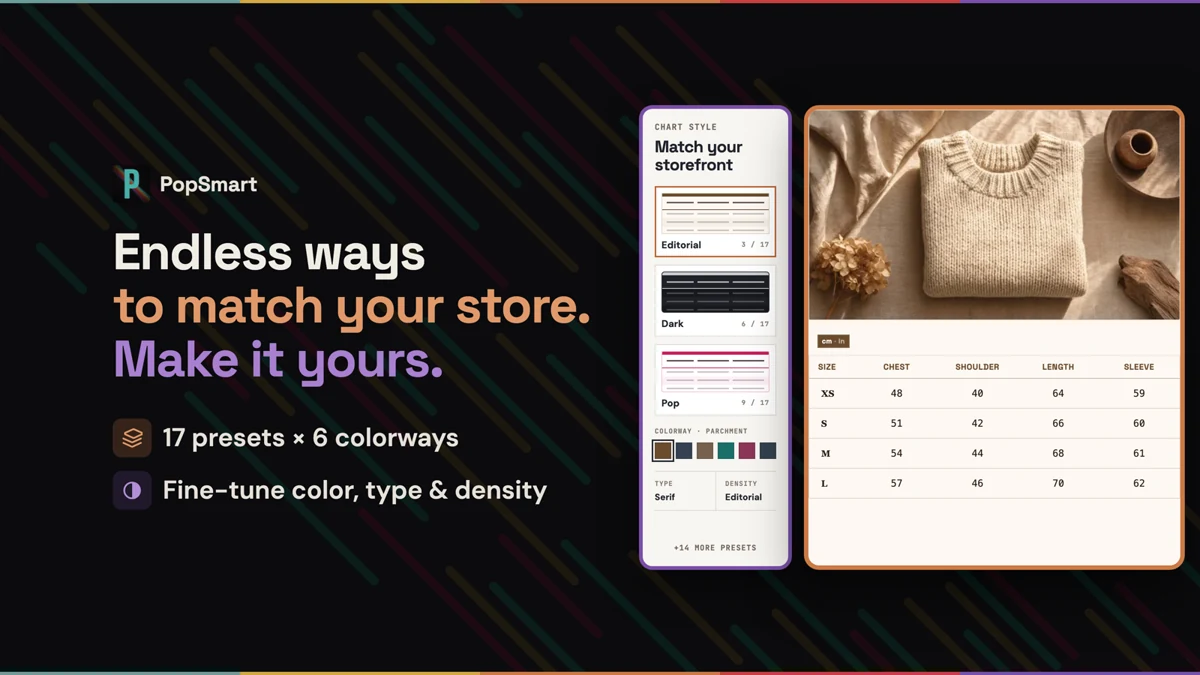
Give the shopper a recommendation
The fit finder asks for height, weight, and preferred fit, then suggests a size and shows the garment measurements behind it. Recommendations are advisory estimates; the chart remains there for shoppers who want to compare the measurements themselves.
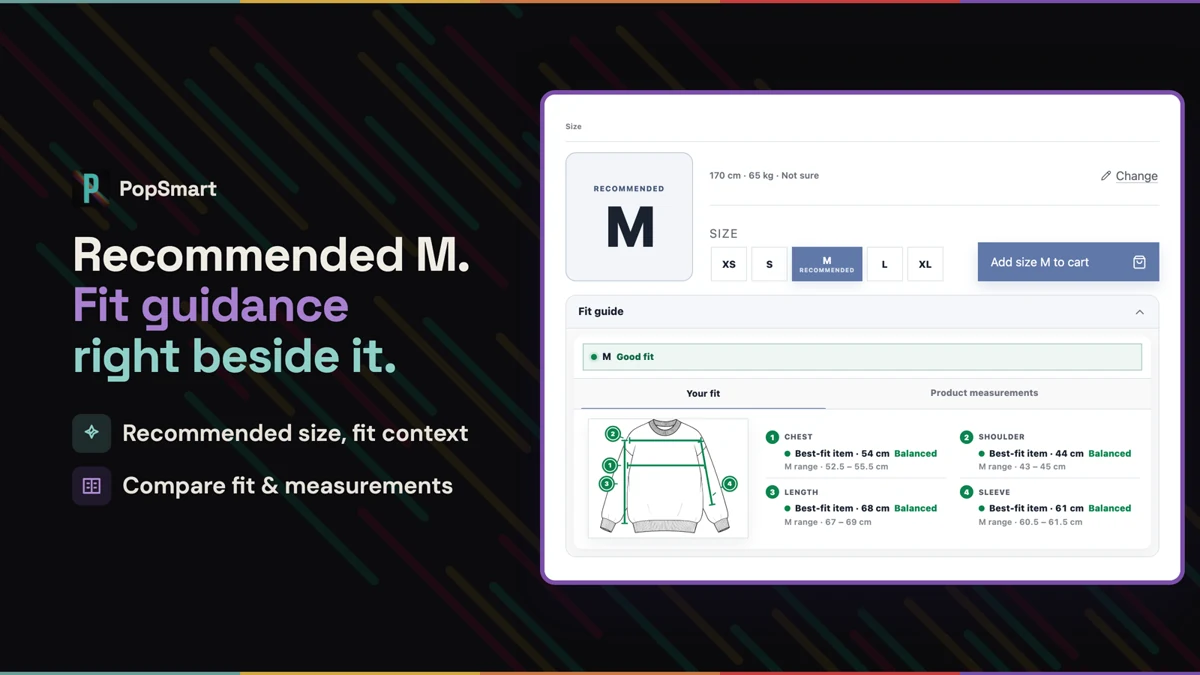
This is the sizing side of PopSmart. Visual try-on answers a different question: what the garment might look like on someone.
Keep the guide usable on a phone
The chart needs to work where shoppers are actually browsing. The mobile guide keeps the measurement table, unit controls, and size recommendation in the same product-page flow instead of sending the shopper to a separate document.
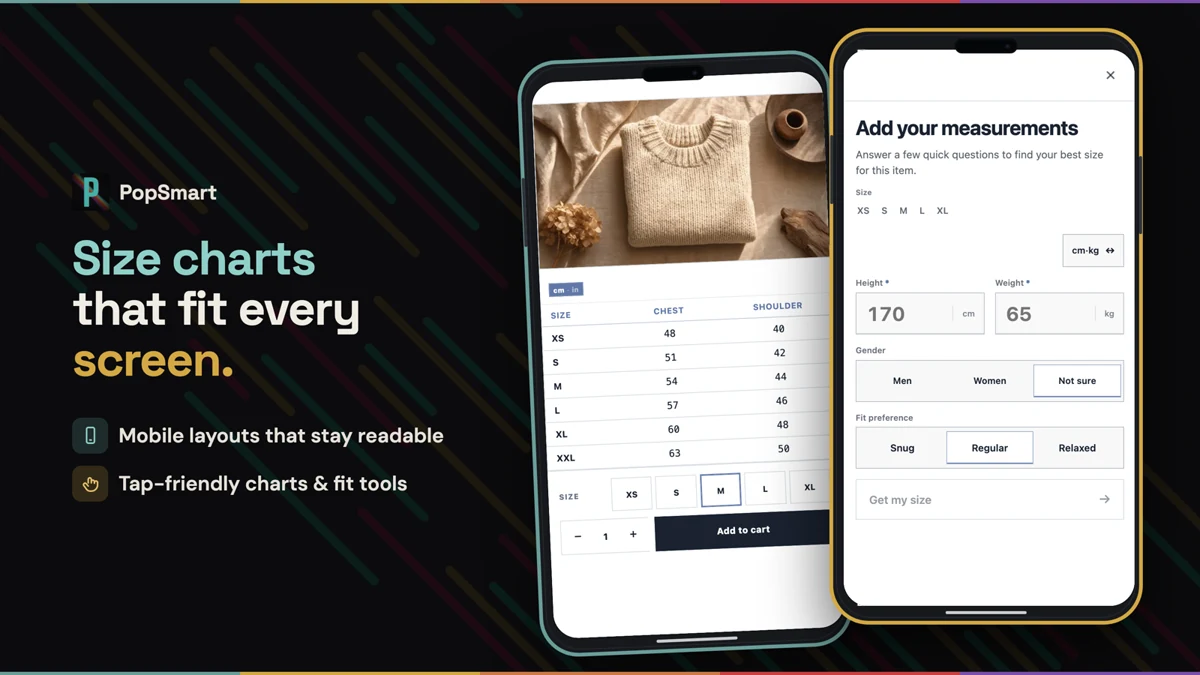
Product images: Shopify App Store listing.
Public and ready to try
The app is now public on the Shopify App Store. The free plan includes both size charts and fit recommendations. The product page has the current limits and setup details.
My next check is the whole path with a merchant’s own supplier file: import it, fix the uncertain parts, and get the correct chart onto the correct products.
Try the size and fit demo, or install PopSmart Size Chart Fit Finder and start with one chart.
The PopSmart family
The apps are installed and billed separately. See PopSmart AI Virtual Try On for visual previews and imagery, PopSmart AI Upsell & Bundles for offers, and the family launch note for the story behind the three apps.