
Shoppers should not have to imagine how a garment might look on them. PopSmart AI Virtual Try On is a Shopify app for apparel merchants that puts an AI fitting room directly on the product page. The same app also turns existing catalog photos into on-model shots, product scenes, campaign designs, and social posts.
The product now has one clear first job: help shoppers see the look before they buy. The visual-production tools sit behind that promise, giving the merchant a way to create the rest of the imagery without starting another photoshoot.
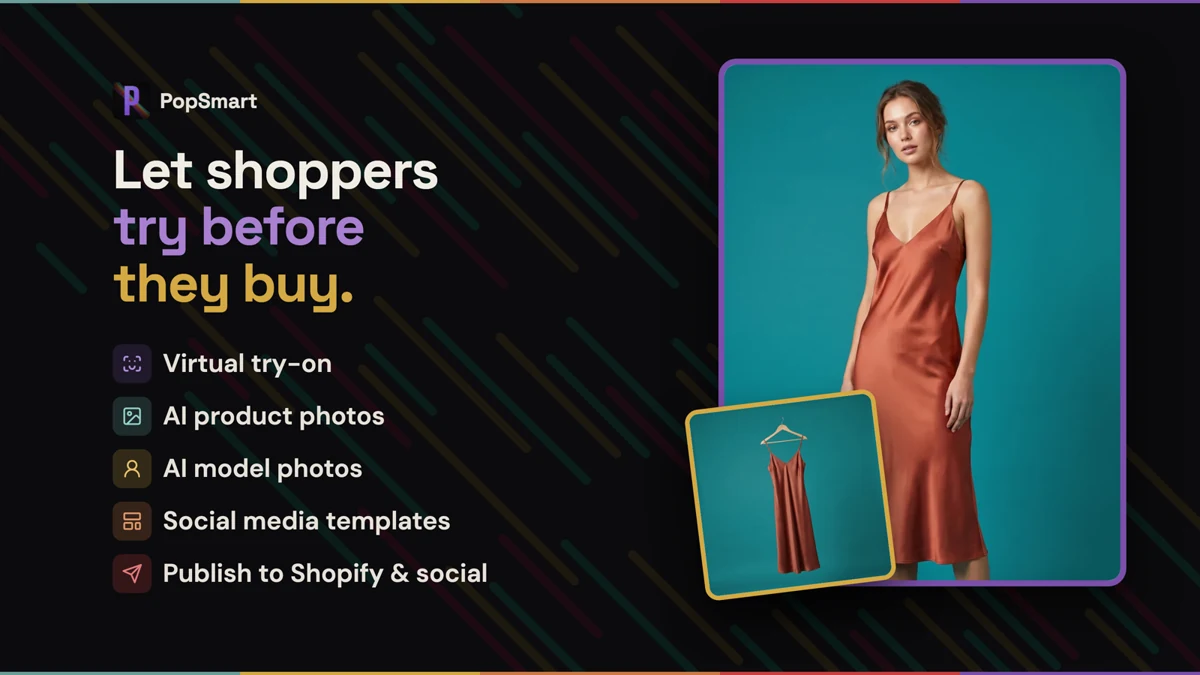
Turn a product page into a fitting room
Static product photos can show the fabric, color, and cut. They still leave the shopper with the hardest question: how will this look on me?
PopSmart adds a Virtual Try-On block through Shopify’s theme editor. The app syncs the store’s catalog, and the merchant places the block on the product page without editing Liquid. Photo Try-On lets shoppers choose a model or upload a photo and generate a look. Camera-based Live Try-On renders the garment as they move. The merchant chooses the mode for the storefront; both open from the product page and keep the product, quantity, and add-to-cart action in the modal.
The goal is a useful visual preview before checkout. Size charts and measurement-based recommendations belong to the separate PopSmart Size Chart Fit Finder app.
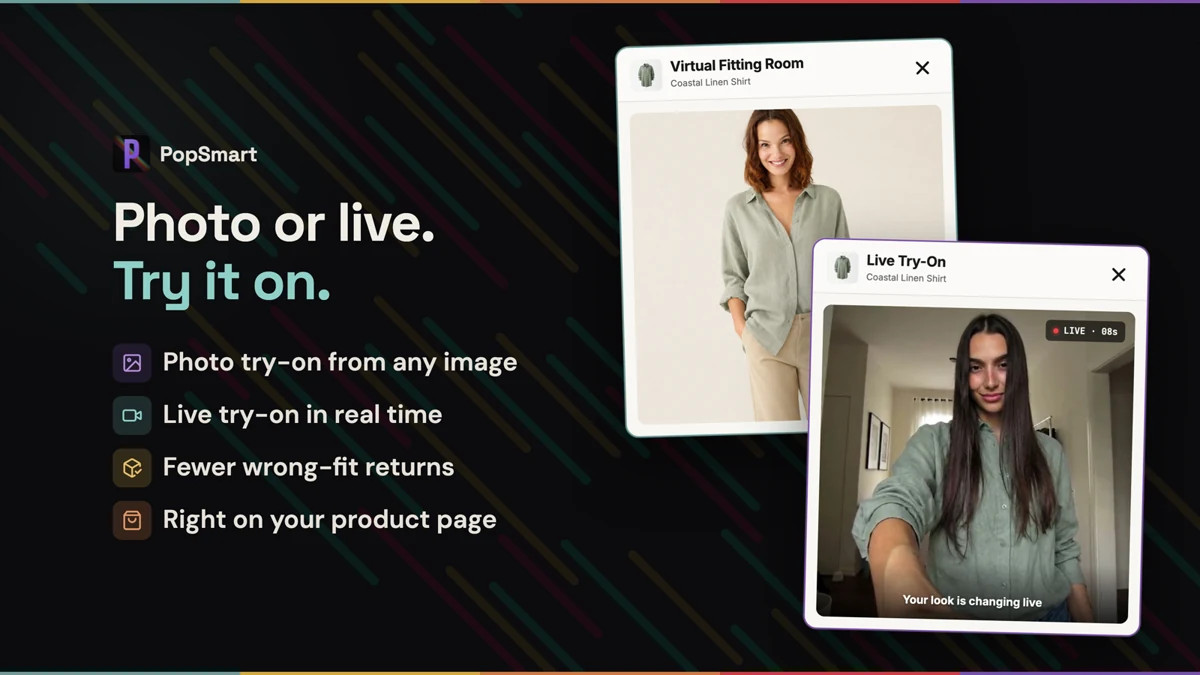
Photo Try-On and Live Try-On give shoppers two ways to preview the garment from the product page.
Shopper photos stay temporary
A virtual fitting room only works if shoppers can trust it with their image. Uploaded photos are stored privately, accessed through one-hour signed URLs, stripped of EXIF and GPS metadata, and deleted automatically within 24 hours. They are not used to train AI models.
Create the model shoot from the same catalog
The storefront widget is only one side of the app. Inside Shopify, merchants can turn a flat product image into an on-model photo and generate images up to 4K. The catalog stays the starting point, whether the result is for a product page or a collection launch.
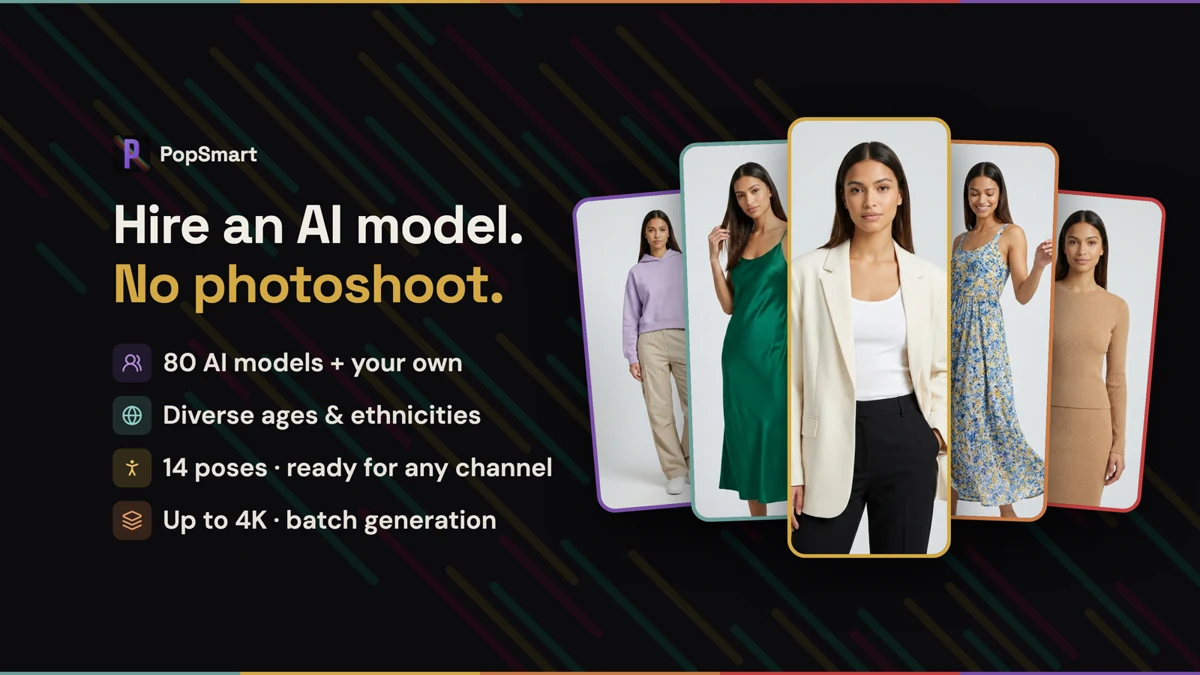
On-model photography gives merchants another way to work with their existing product images.
Build more imagery from the same product
Not every product needs a person in the frame. PopSmart also handles background removal, new scenes, realistic shadows, flat lays, on-hanger shots, multiple angles, color variants, and retouching. One catalog image can become the starting point for a product page, a collection launch, or a seasonal campaign.
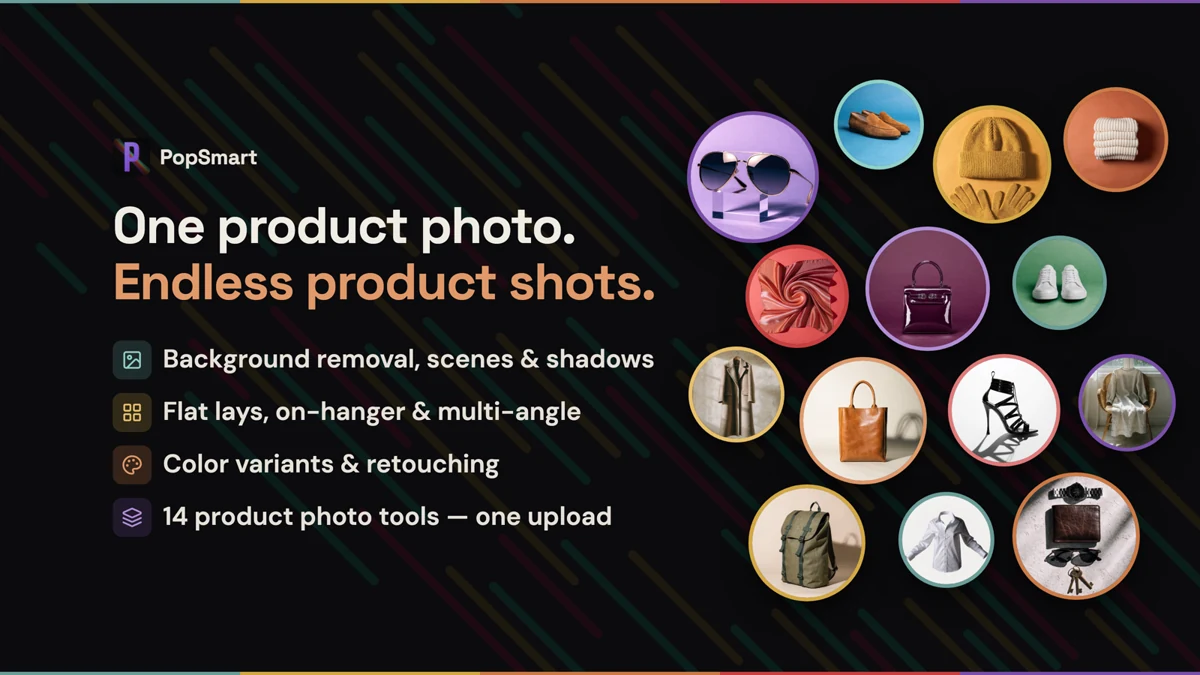
Product-photo tools cover scenes, shadows, display formats, color variants, and retouching.
Turn the approved image into a campaign
The template designer turns an approved image into a branded design. Merchants can add text, logos, and brand colors without moving the asset into a separate design tool.
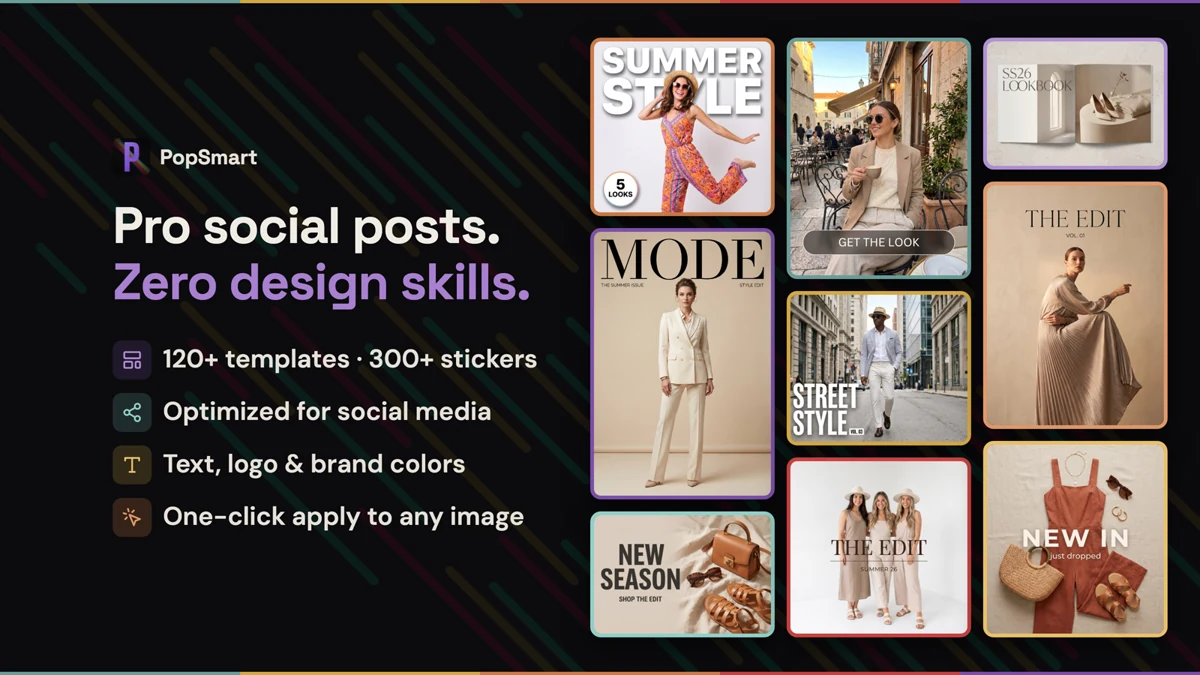
Templates turn generated images into branded social creative.
Create once, publish where the product sells
Publisher sends finished assets to Shopify, Instagram, Facebook, and Pinterest. It can generate captions, alt text, and SEO copy, crop for each destination, and publish carousels or multi-image posts. The image starts in the product catalog and returns to the storefront or campaign channel ready to use.
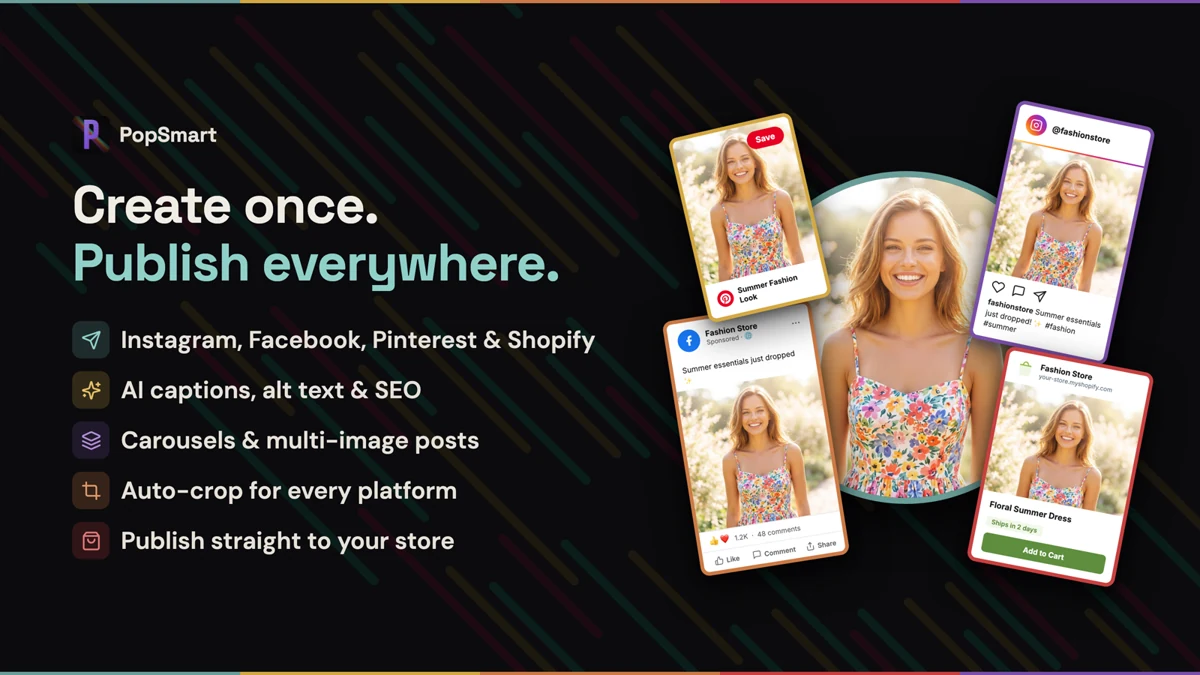
Publish to Shopify and social with channel-ready crops, captions, alt text, and SEO copy.
Product images: Shopify App Store listing.
Free to try, then priced by monthly credits
Photo Try-On is available on every plan, including Free. Paid plans add Live Try-On. The Free plan includes 100 credits each month. Starter is $19.99 per month for 1,500 credits, Growth is $49.99 for 4,500, and Pro is $99.99 for 10,000. Annual plans are discounted by 20% and grant credits every 30 days.
Subscription credits reset each billing period. Separately purchased credit-pack credits do not expire, so a merchant can keep a pack for a larger catalog update or campaign week.
Live now
PopSmart AI Virtual Try On is live on the Shopify App Store. The listing is the installation path. The demo store shows the shopper experience, while the product landing page carries the full feature, privacy, and pricing details.
Install from the Shopify App Store → Open the virtual try-on demo → View the PopSmart AI Virtual Try On page →The PopSmart family
Each PopSmart app is installed and billed separately. PopSmart AI Upsell & Bundles handles offers and bundles, while PopSmart Size Chart Fit Finder handles size charts and fit recommendations. Read the three-app family launch note for the October 2026 update.